How to Play Every Last Grain
Click the window, dig, sell by the kilo, then buy a bigger bag before you obsess over nozzle width.
Last checked:
Movement is WASD. The mouse looks around once the game has captured the cursor. Hold the left mouse button or E to dig. The developer replied that holding E keeps digging. Shift sprints and shows a stamina bar. E also uses machines. Q calls a sandstorm, and Update 7 added the same call to the P menu. J opens the journal. P opens the menu. Esc drops fullscreen and releases the mouse. Click the game again to recapture the cursor.
The old controls card on itch still prints Esc as the menu key. I follow Update 2 instead of that card. If fullscreen seems to “eat” the menu, you are hitting the browser key.
A public clear shows a spoon at 0.5 kg per scoop and a Small Bag of 5 kg. The developer’s itch reply distinguishes the starting Spoonful capacity from the Small Bag upgrade. Those two numbers appear on the video HUD. They are not printed as a spec sheet on the itch page, so I mark them as one video reading.
- Open the itch demo and click the picture so the mouse is captured. Fullscreen is available from the P menu.
- Walk to sand and hold the dig button. The public clear shows a 0.5 kg scoop and a Small Bag upgrade holding 5 kg; that video is one source, and these readings do not define the starting bag.
- When the bag is full, go to the yellow sand deposit and press E. Update 3 points you there the first time the bag fills.
- After the first sale, go to the blue supply terminal. Buy capacity, then a better tool. Update 3 added a line that tools change how fast you dig and bags change how much you carry.
- Spend skill points in the skill view. Unknown nodes show a price. The developer said a free skill reset exists.
- Look for finds with Finder’s Luck (a ring) or Treasure Sense (a ping you can turn off). There are 14 finds.
- A 100 percent clear is 10,000 kg plus 14 finds. The sandstorm ends the run and shows a summary. You can keep playing.
| Action | Key | Note |
|---|---|---|
| Move | WASD | Keyboard |
| Look | Mouse | Click the game to capture |
| Dig | Hold left mouse or E | Holding E keeps digging |
| Sprint | Shift | Stamina bar |
| Use / sell | E | Deposit and terminal |
| Sandstorm | Q or P menu | P menu added in Update 7 |
| Journal | J | On the controls card |
| Menu | P | Esc is no longer the menu |
| Release mouse | Esc | Also leaves fullscreen |
| Stage | Suggestion | Evidence |
|---|---|---|
| Opening | One bag upgrade, then one tool | 2 player comments: Acmion and kamujian |
| Early | Shovel or vacuum, not only nozzle width | 1 player comment: kamujian |
| Middle | Suction motor plus a larger bag | Update 2 and player replies |
| Stuck | Free skill reset | 1 developer reply |

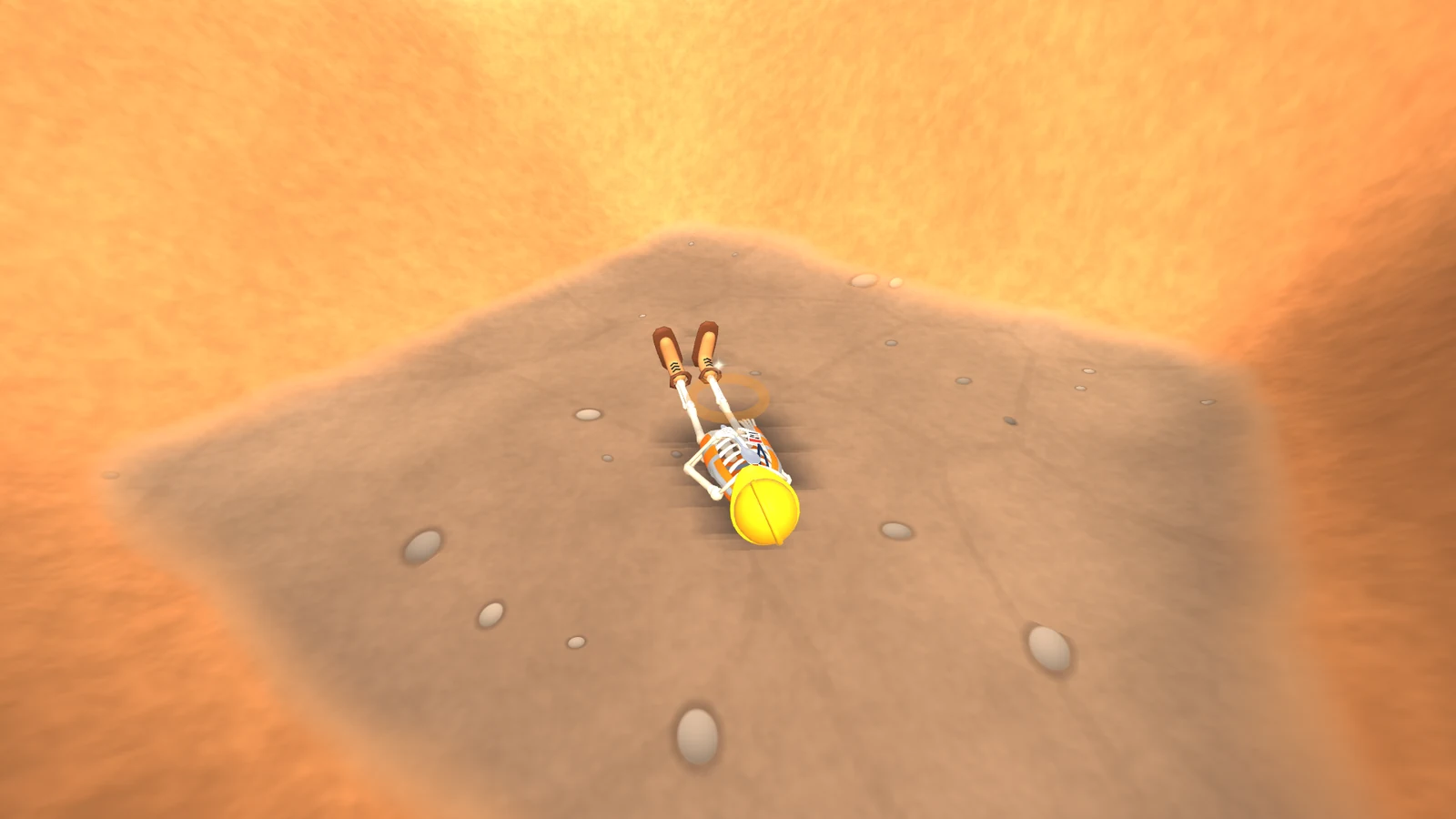
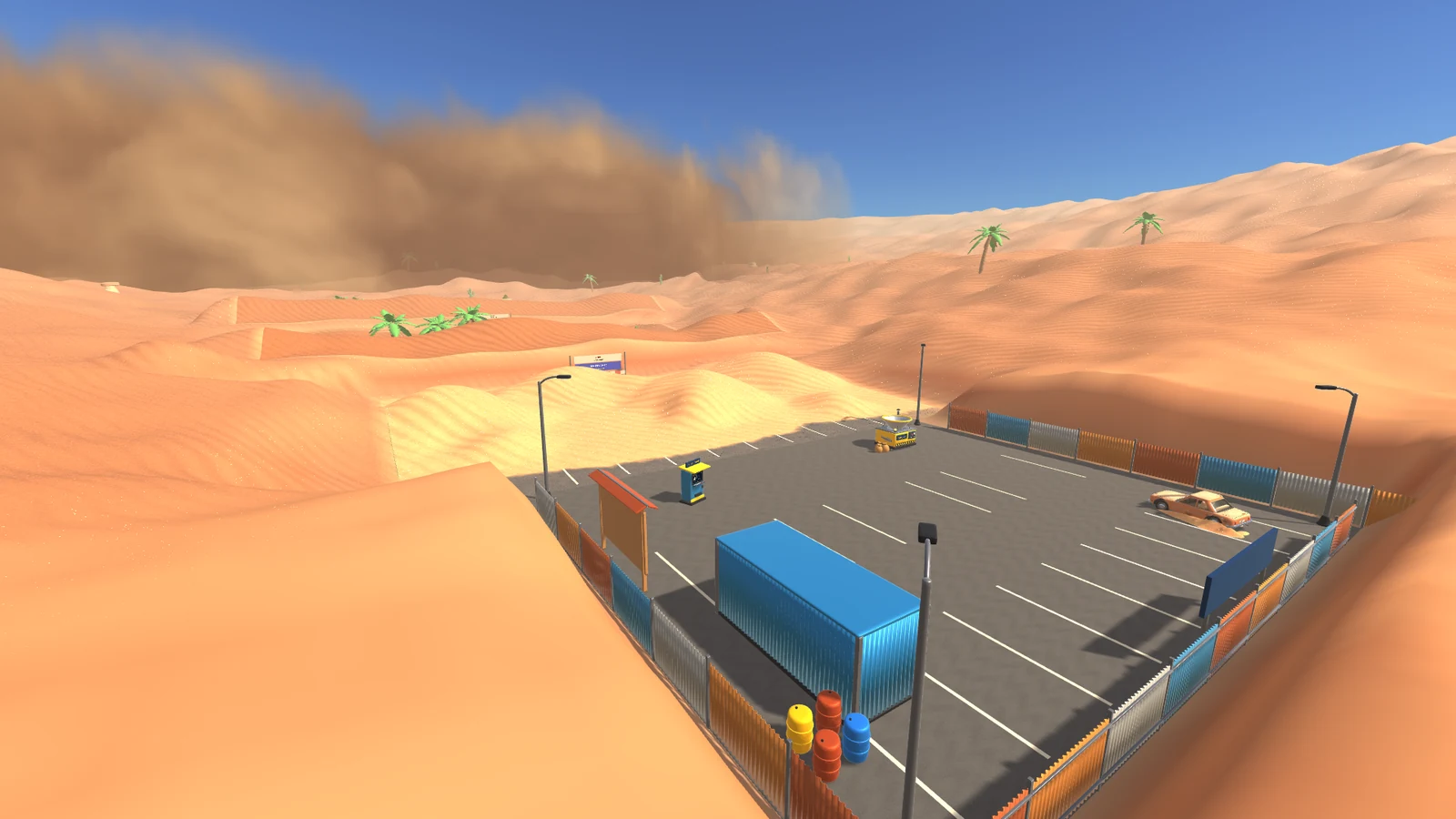
Gameplay video
Watch on YouTube. The player stays empty until you press play.
Keep going
Questions
Why does Esc not open the menu?
Update 2 moved the menu to P. Esc is the browser leaving fullscreen and releasing the mouse.
What is the demo trying to finish?
A public clear lists 10,000 kg and 14 finds. The itch page confirms the find count.
Does the demo save?
Update 1 and Update 2 say progress is kept across updates and QUIT saves. Update 1 also mentions one earlier wipe for everyone.
Sources
- itch.io game page — checked 2026-11-22
- Update 1 — checked 2026-11-22
- Update 2 — checked 2026-11-22
- Update 3 — checked 2026-11-22
- Reddit developer post — checked 2026-11-22
- YouTube full clear — checked 2026-11-22